The TV guide your playlist deserves.
Bobcast turns the TV sources you already have into one fast, good-looking place for live TV, sports, movies and series, built for the remote in your hand.
- Apple TV
- iPhone
- iPad
- Android TV
- Fire TV
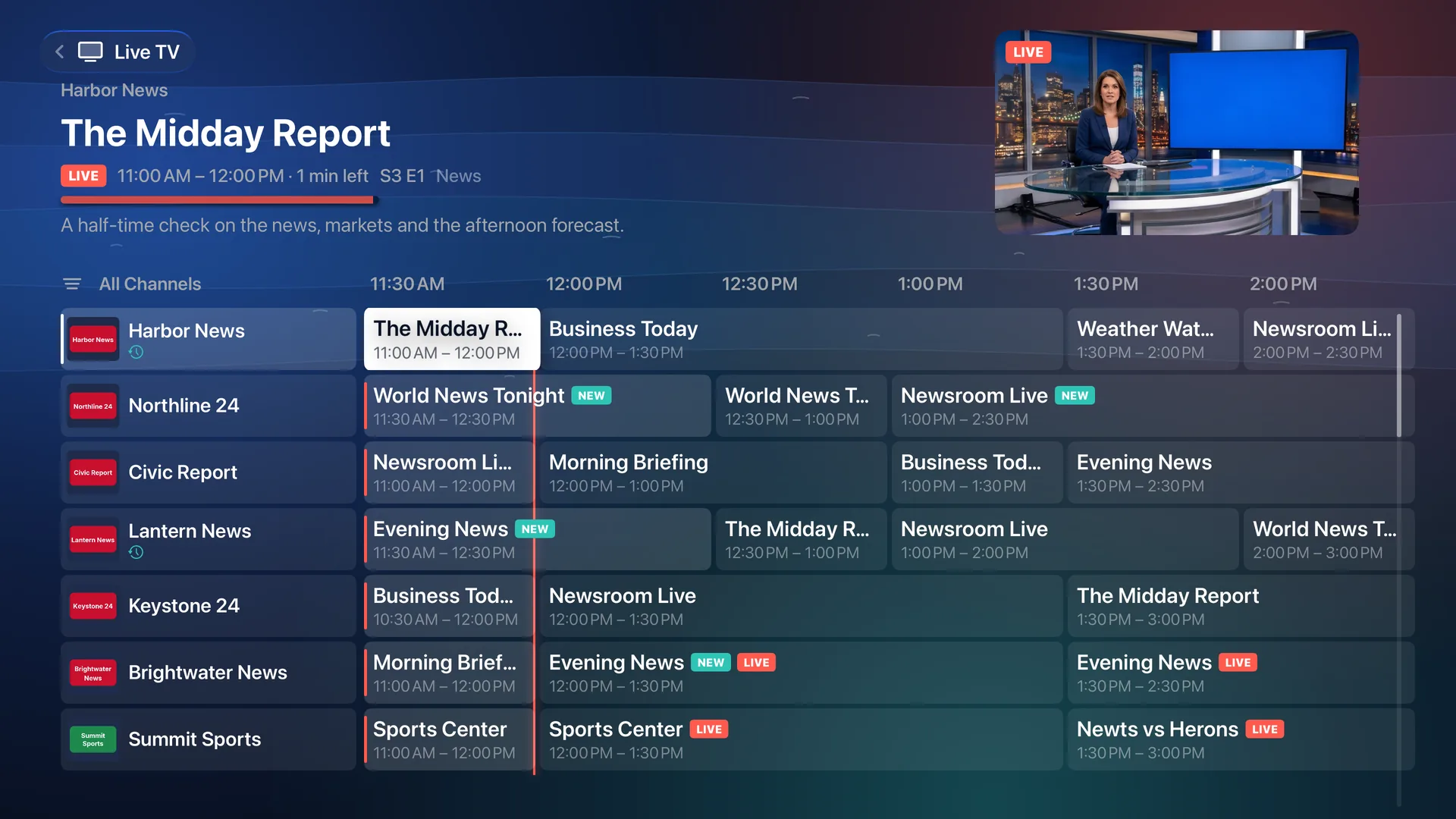
Bobcast comes with no channels, movies or shows of its own. You bring a playlist, a login or a media server you already use. Everything in these pictures is made-up sample content.
Bring what you already have
- M3U playlists
- Xtream Codes logins
- XMLTV guides
- Plex
- Jellyfin
- Emby
Add one source or several. Bobcast puts them side by side and remembers which you prefer.
Finding something to watch should take seconds.
A guide that stays quick
Tens of thousands of channels, and the guide still moves the moment you press. Groups, search and number entry get you there faster.
Live preview
The highlighted channel plays in the corner while you browse, with or without sound.
Catch-up
Replay earlier programs on the channels your provider archives, with skip, rewind and fast-forward.
Make it yours
Favorites, your own groups and channel names, pinned groups, and anything you never watch hidden for good.
Multiview
Up to four pictures at once on Apple TV and Android TV, from any of your sources. Sound follows the highlight.
Event channels, read for you
Channels named for a game or an event show what's on and when, in your own time zone, instead of a blank row.
Tonight's game, and the channel it's on.
Follow your teams and leagues, and Bobcast shows their scores, schedules and standings. Better, it looks through your own channels and finds the ones carrying each game, so one press takes you from the score to the picture.
- Live scores, schedules and standings for the teams and leagues you follow
- Your channels matched to each game, your local station first
- Alerts when your team scores, and a heads-up when the game starts
- Racing weekends with sessions and results
Your whole On Demand library, finally browsable.
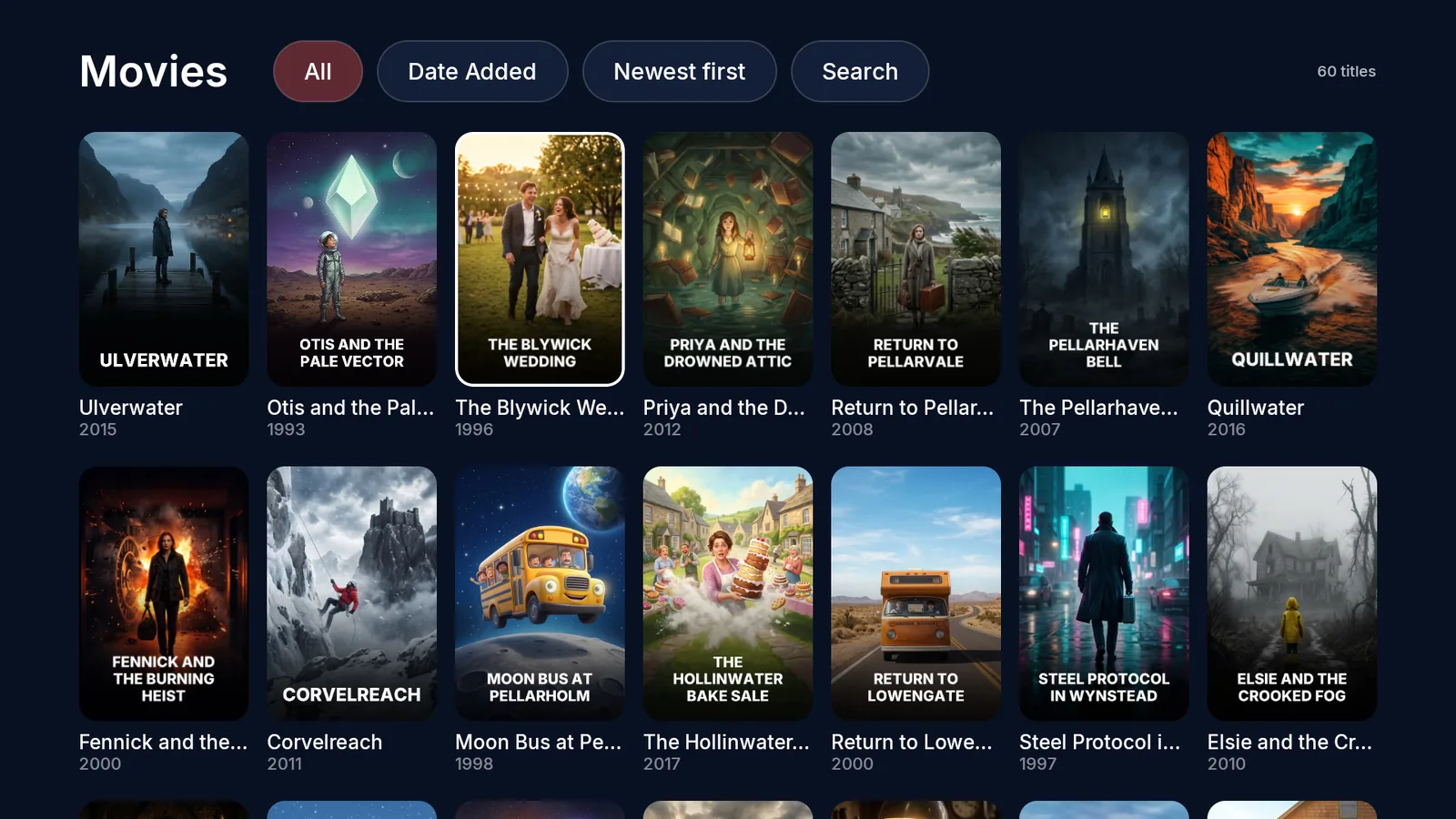
Bobcast gathers your provider's movies and series and your media servers' libraries into posters, pages and rows that feel like a streaming app, not a file list.
Pick up where you left off
Continue Watching, My List, Recently Added and Upcoming episodes on Home, with your next episode ready when the credits roll.
Every copy in one place
When a title is on more than one source, its page lists each copy with its quality. Set the order you prefer and Bobcast follows it.
Know before you press Play
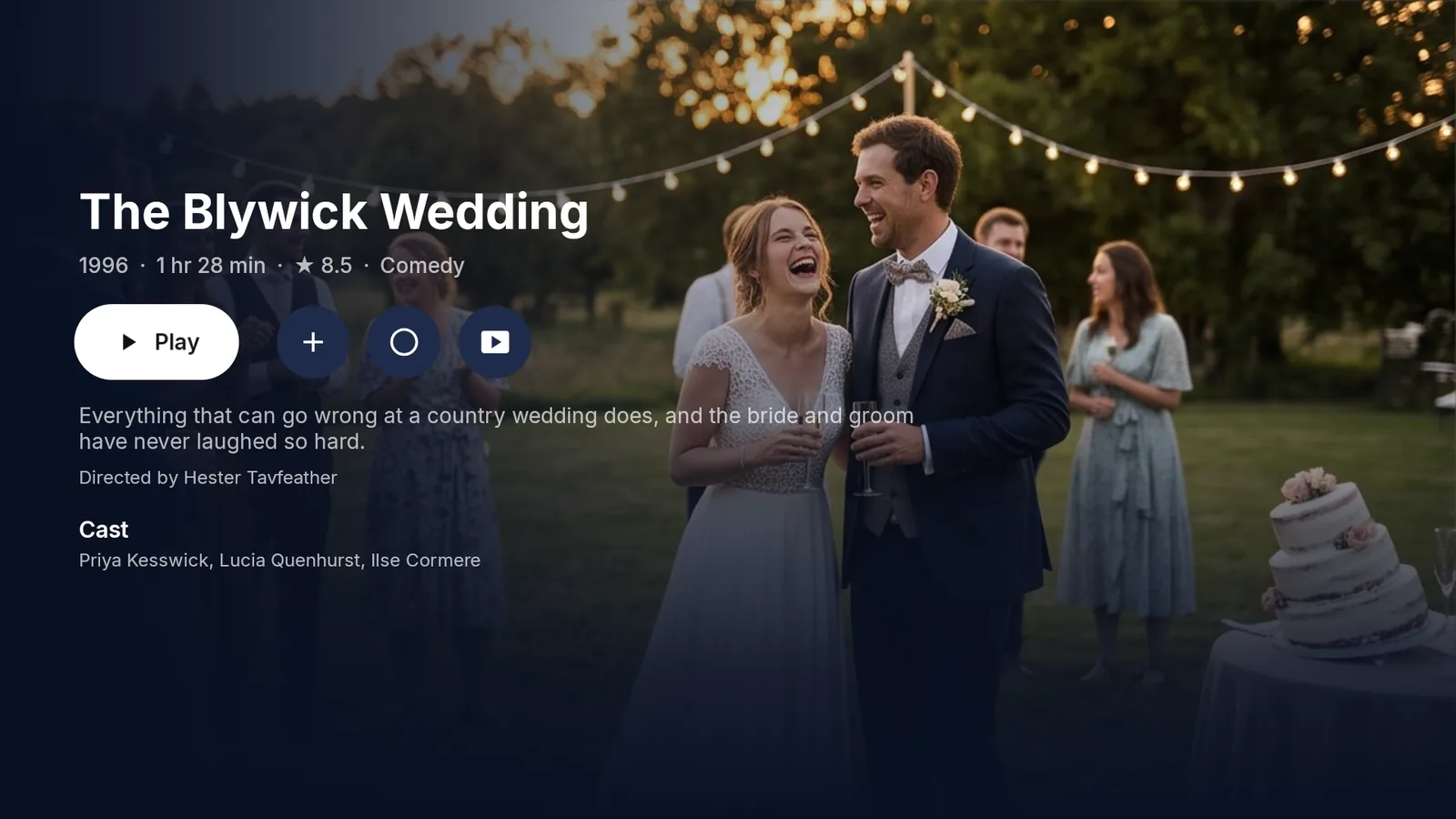
Plots, cast and artwork, with scores from IMDb, Rotten Tomatoes and Metacritic, plus skip buttons for intros and recaps.
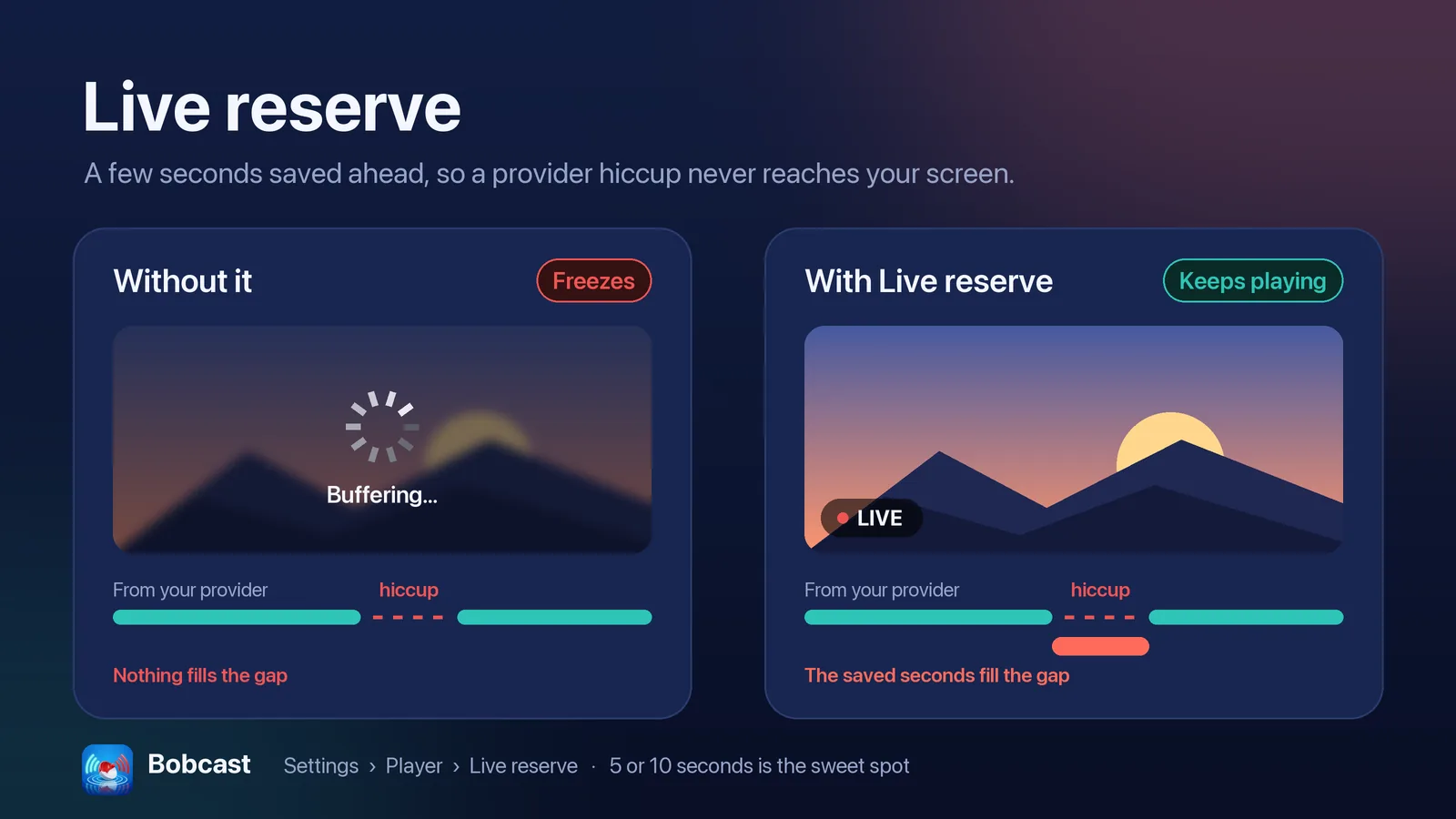
Built to keep playing.
Streams drop. When one does, Bobcast reconnects without leaving the channel, then tries your other copies of it, best quality first, and steps back up when the better one returns.
- Live reserve keeps a few seconds in hand, so short hiccups never reach the screen
- Audio and subtitle choices remembered per title
- Surround sound and Dolby Vision where your device and video support them
- Picture in picture on iPhone and iPad
The details that make it feel finished.
Sync
Sources, favorites, settings and watch history follow you to every device, Apple and Android alike, encrypted with a key only your devices have.
Themes
Light, Dark, Black for OLED screens, or follow the system, with color themes on top.
Radio
Put sound-only channels in their own place, and ask "What's this song?" while one plays.
Hue lights
On Apple TV, a Philips Hue entertainment area can follow the edges of the picture. No sync box needed.
Weather on Home
A forecast for a place you choose. Bobcast never reads your location.
Organize from your phone
Scan a code on the TV and tidy your channels in a browser on your home Wi-Fi.
Watched, everywhere
Connect Simkl and what you finish in Bobcast is marked watched there, and the other way around.
Family-safe by default
Adult content from a provider starts hidden, and a PIN can guard turning it back on.
One app, every screen in the house.
Bobcast is in testing now and is on its way to each store. Set it up once and Sync carries your sources, favorites and watch history to the next device.
- Apple TV, iPhone and iPadComing soon to the App Store
- Android TV and Google TVComing soon to Google Play
- Fire TVComing soon to the Amazon Appstore
No account. No ads. No tracking.
Your logins stay on your devices and go only to your own provider. There is no Bobcast account to create, and Liftbridge Labs never sees your sources or what you watch.